This page contains Amazon affiliate links. As an Amazon Associate, we earn from qualifying purchases – the price doesn't change for you. Learn more
Storing invoices, scanning return forms, occasionally printing delivery notes – in addition to the label printer for shipping labels, there’s another often underestimated printing need running in the background. Those who handle this through a copy shop around the corner will quickly realize how cumbersome that becomes in the long run.
When Owning Your Own Device Makes Sense
As soon as something needs to be scanned or copied more than once or twice a week, the trip to the copy shop can take more time than purchasing your own device. This can be the case, for example, when regularly scanning and archiving supplier documents.
What to Look for When Buying
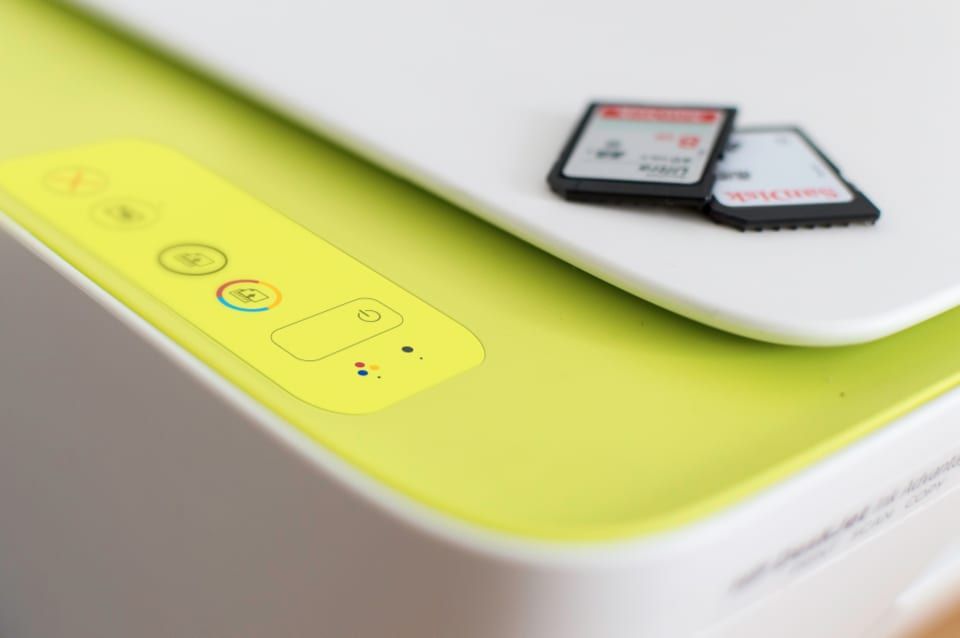
Wi-Fi is often a sensible option, as the printer shouldn’t be directly connected to a computer, but should be accessible from various devices in the office. Automatic duplex printing can save paper and time for double-sided documents. The Epson EcoTank ET-2870 prints, copies, and scans, connects via Wi-Fi, and achieves 33 pages per minute in black and white and 15 in color. Its strengths lie in the low cost per page thanks to refillable ink tanks and the compact design. It’s worth noting that there’s no automatic two-sided printing and borderless printing is only possible up to 10 x 15 cm.
A Point Many Overlook: The Paper
A multifunction printer is only as reliable as the paper that runs through it – paper that’s too thin or sensitive to moisture can lead to paper jams, especially with duplex printing. A solid choice is Navigator Universal A4, 80 g (2,500 sheets). This paper is suitable for laser and inkjet printers and comes in a practical bulk carton with five packs. It’s a bit more expensive than no-name paper.
Our Conclusion
For occasional printing, purchasing a multifunction printer is often not economical – then a copy shop or a simple inkjet printer is the more cost-effective solution. But as soon as regular scanning becomes a fixed part of office processes, a decent Wi-Fi multifunction device can pay for itself in saved time.
Products mentioned in this post
Epson EcoTank ET-2870
Ink tank multifunction device with low cost per page for printing, copying, and scanning.

Navigator Universal A4, 80 g (2.500 Blatt)
Brand-name copy paper in a bulk carton for laser and inkjet printers.
You might also like
All posts in this category
From Inkjet to Thermal Printer: Print Shipping Labels Faster
Are you looking for a shipping label printer for your Amazon FBA business? We'll show you what to look for when choosing and why a thermal printer can be a worthwhile investment.
Learn more
Shipping Starter Kit for Your FBA Warehouse
Boxes, tape, staplers, and paper: what's included in the basic shipping supplies and what you should look for when buying.
Learn more