
This page contains Amazon affiliate links. As an Amazon Associate, we earn from qualifying purchases – the price doesn't change for you. Learn more
“Will this work with my Alexa?” is one of the most common questions when buying smart home devices. Behind this lies a bigger question: Which standard is in the device, and what does that mean for expandability later?
Wi-Fi: The Easiest Entry
Most inexpensive entry-level products, including the TP-Link Tapo P110 (4er-Pack), connect directly to your home Wi-Fi – without an additional hub. This makes setup straightforward. Since the devices use the Wi-Fi router directly, a large number of devices can increase the router’s load. However, this is rarely a real problem in practice when starting with a handful of outlets or a camera.
Zigbee: More Devices, a Hub Needed
Zigbee devices don’t communicate directly with the router, but via their own radio bridge (hub), which is in turn connected to the Wi-Fi. The advantage: Dozens of devices hardly burden the home network, and the radio standard is optimized for low power consumption – ideal for battery-powered sensors. The disadvantage: Without a suitable hub (often tied to a specific brand), nothing works.
Matter: An Attempt to Unify Everything
Matter isn’t a radio standard like Zigbee, but a common “language” that is intended to allow devices from different manufacturers to communicate with each other and with Alexa, Google Home, or Apple Home simultaneously – without having to commit to an ecosystem. In practice, implementation is still inconsistent: Some manufacturers provide Matter support retroactively via updates, others don’t.
Our Assessment for Getting Started
If you’re switching a lamp or outlet smart for the first time, you’ll reach your goal fastest with simple Wi-Fi devices and won’t spend money on a hub that you might not even need. Only when you notice that more than about ten devices should be added or the Wi-Fi noticeably slows down, should you consider a Zigbee system with a hub.
Products mentioned in this post
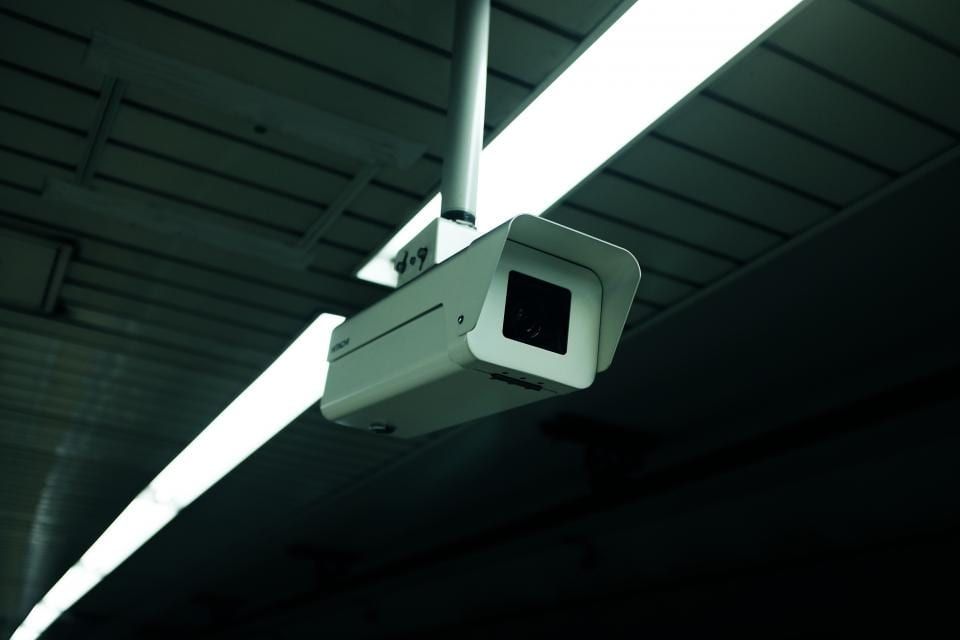
TP-Link Tapo C210
Swivel 3MP Indoor Camera with Night Vision and SD Card instead of Mandatory Subscription.
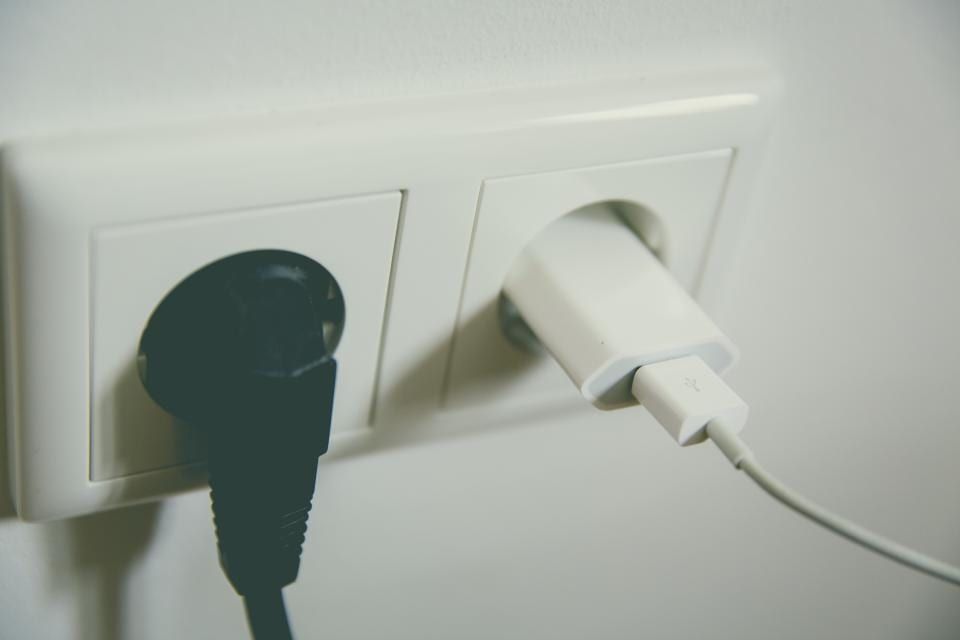
TP-Link Tapo P110 (4er-Pack)
Wi-Fi Outlets with Power Consumption Metering – no hub required, controllable via app, Alexa, and Google.
You might also like
All posts in this category
Buying a Security Camera: What to Consider
Are you looking for a security camera for your home? Here you’ll learn what to look for when choosing – from storing your recordings to the correct positioning.
Learn more
Smart Plugs: Measure Power Consumption and Identify Savings Potential
Smart plugs enable the measurement of power consumption for connected devices, helping you identify unnecessary energy waste. We’ll show you what to look for when using them and how to uncover savings potential.
Learn more