This page contains Amazon affiliate links. As an Amazon Associate, we earn from qualifying purchases – the price doesn't change for you. Learn more
After the last utility bill, you often wonder where unnecessary electricity is being consumed in your office or home. Here’s how you can use smart plugs to get a better handle on the power consumption of your devices.
What a Smart Plug Really Achieves in Energy Savings
The TP-Link Tapo P110 (4-pack) doesn’t just switch devices on or off via an app or schedule – it also displays the energy consumption of the connected device. This function allows you to determine the actual power consumption and identify energy hogs. Without this display, it’s difficult to accurately assess energy consumption.
Potential Power Consumers in the Office
In offices, devices often remain plugged in without anyone consciously noticing: printers in standby mode, chargers without a connected device, the router in the storage room. If you plug such a device into a metering plug for a week, you’ll see how much it actually consumes – and whether a schedule is worthwhile.
Classic Power Hogs to Watch Out For
Older devices with continuous operation or standby mode are often the biggest power consumers: fully automatic coffee machines, older monitors without a true deep sleep mode, power supplies that remain plugged into the power supply even without a connected device, and printers that run overnight. The total consumption may seem low for individual devices, but it can add up over a year in an office or household.
How You Can Optimize Power Consumption
Devices that are not needed at night or on weekends can be automatically switched off via a schedule. For devices that are only needed occasionally, the pure consumption display can help reduce power consumption by manually disconnecting them when needed.
Is the Effort Worth It?
For a single device in a private household, a smart plug may not pay for itself quickly just through power measurement. However, once several devices are in use in different locations, the real value lies in getting an overview of power consumption and identifying devices where savings potential exists – before you invest in more expensive solutions.
Products mentioned in this post
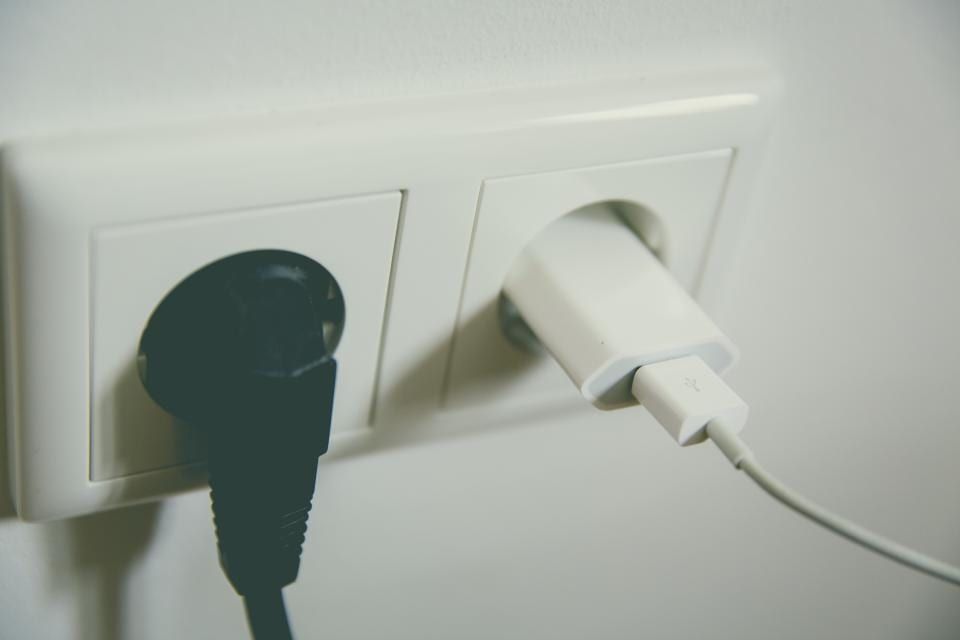
TP-Link Tapo P110 (4er-Pack)
Wi-Fi Outlets with Power Consumption Metering – no hub required, controllable via app, Alexa, and Google.
You might also like
All posts in this category
Buying a Security Camera: What to Consider
Are you looking for a security camera for your home? Here you’ll learn what to look for when choosing – from storing your recordings to the correct positioning.
Learn more
Securing Your Warehouse Without an Alarm System: A Smart Solution for Small Businesses
How you can keep a small warehouse in view affordably with a Wi-Fi camera and smart plugs – and where the limits of this solution lie.
Learn more