
This page contains Amazon affiliate links. As an Amazon Associate, we earn from qualifying purchases – the price doesn't change for you. Learn more
Smart Home sounds like a big project, but it can easily be built up in small steps. Many beginners are unsure which devices and technology they should choose. This guide helps you make the right decision.
Where You Should Start (and Where Not)
The most sensible way to start is with devices that solve a specific, individual problem: a smart plug that turns on a string of lights on a schedule, or a camera for your front door. Those who start directly with a completely networked lighting system usually spend more money before it’s clear whether their usage patterns even require it.
Wi-Fi, Zigbee, Matter: The Most Important Terms Explained Briefly
- Wi-Fi devices connect directly to your home network – easiest setup, but each device occupies its own Wi-Fi connection and usually relies on the manufacturer’s cloud.
- Zigbee is a separate radio protocol with lower power consumption, but requires an additional hub or bridge.
- Matter is a newer, cross-manufacturer standard designed to bring devices from different brands together into one system – the device selection is growing, but is not yet as large as Wi-Fi or Zigbee.
For your first steps, pure Wi-Fi devices are usually the most pragmatic choice: no additional hub, no compatibility issues, works with Alexa or Google Assistant.
Typical Beginner Mistakes
The most common mistake is buying devices from different brands without first checking whether they can be controlled in a common app. The second most common: the expectation that a smart camera will store recordings indefinitely without any subscription – most models require a cloud storage plan for longer recording durations.
Our Recommendations
For getting started, a Wi-Fi smart plug like the TP-Link Tapo P110 (4-pack) is suitable: no hub, control via app, Alexa, or Google Assistant, and also a power consumption measurement. If you’re looking for a camera, take a look at the TP-Link Tapo C210: it stores recordings locally on a microSD card if you wish, completely without a subscription.
Products mentioned in this post
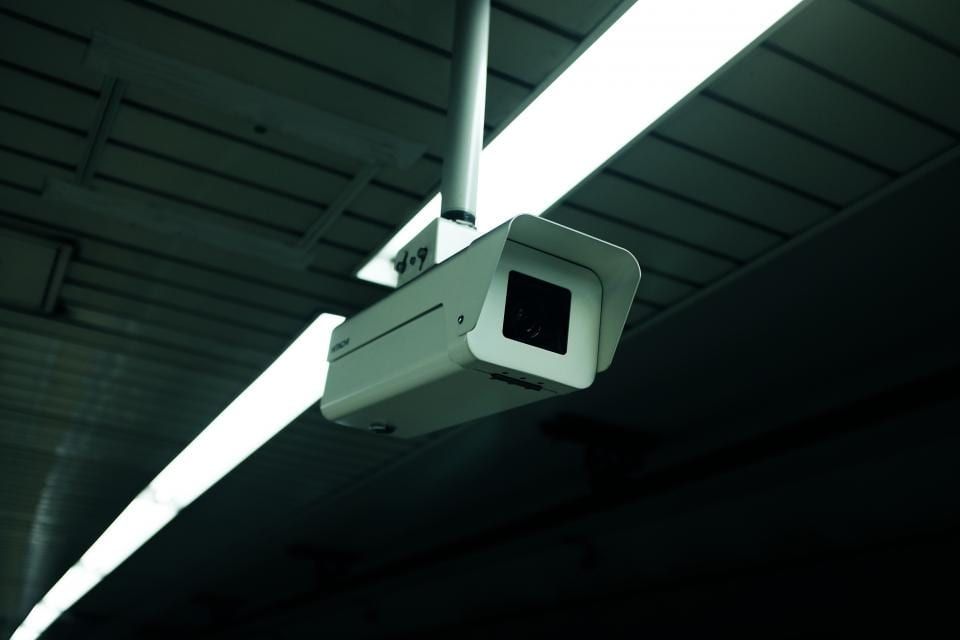
TP-Link Tapo C210
Swivel 3MP Indoor Camera with Night Vision and SD Card instead of Mandatory Subscription.
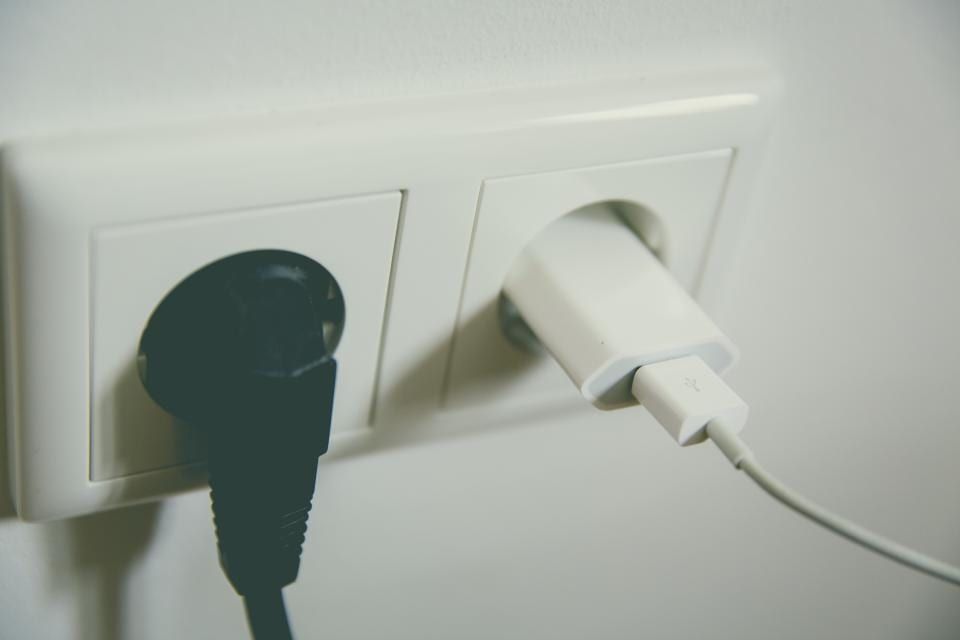
TP-Link Tapo P110 (4er-Pack)
Wi-Fi Outlets with Power Consumption Metering – no hub required, controllable via app, Alexa, and Google.
You might also like
All posts in this category
Buying a Security Camera: What to Consider
Are you looking for a security camera for your home? Here you’ll learn what to look for when choosing – from storing your recordings to the correct positioning.
Learn more
Smart Plugs: Measure Power Consumption and Identify Savings Potential
Smart plugs enable the measurement of power consumption for connected devices, helping you identify unnecessary energy waste. We’ll show you what to look for when using them and how to uncover savings potential.
Learn more